Accessing MX-UI
The MX-UI is served on port 8080 of the control-plane node. How you reach it depends on
whether that node is on your network.
- Node directly reachable → browse straight to it.
- Node not reachable (the usual remote case) → bridge the gap with an SSH tunnel.
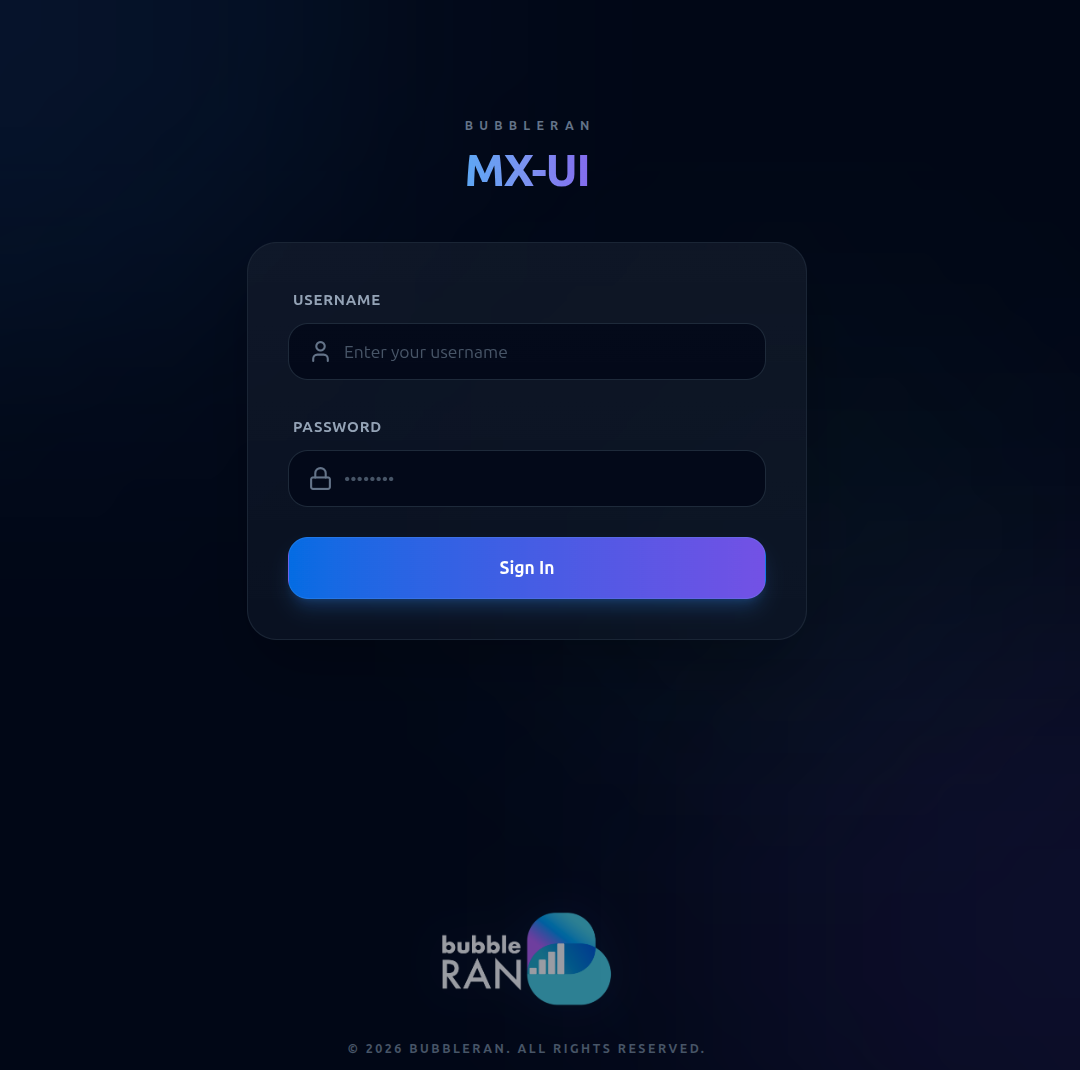
Both paths end on the same login screen.
Option A — Direct access
If the control-plane node is reachable from your machine, open:
http://<control-plane-ip>:8080
Replace <control-plane-ip> with the node's hostname or IP. Nothing else to set up.
On the control-plane node itself, the UI also resolves at the friendly hostname:
http://mxui.bubbleran
Option B — SSH tunnel
When the node is not exposed to your laptop, forward port 8080 over SSH.
Topology
[ your laptop ]------ ssh -L ------>[ control-plane node :8080 ]
  localhost:8080                          MX-UI
Step by step
1. From your laptop, open the tunnel to the control-plane node:
ssh -L 8080:localhost:8080 <user>@<ip-address>
- Maps
localhost:8080(laptop) →localhost:8080on the control-plane node, where the MX-UI is served. - Keep this session open.
2. Open the GUI:
http://localhost:8080
Logging in
Either path lands on the login screen. Enter your username and password, then select Sign in. On success you land on the Dashboard.
Default credentials:
- User: admin
- Password: bubbleran